How to use RBGeon client picture explanation
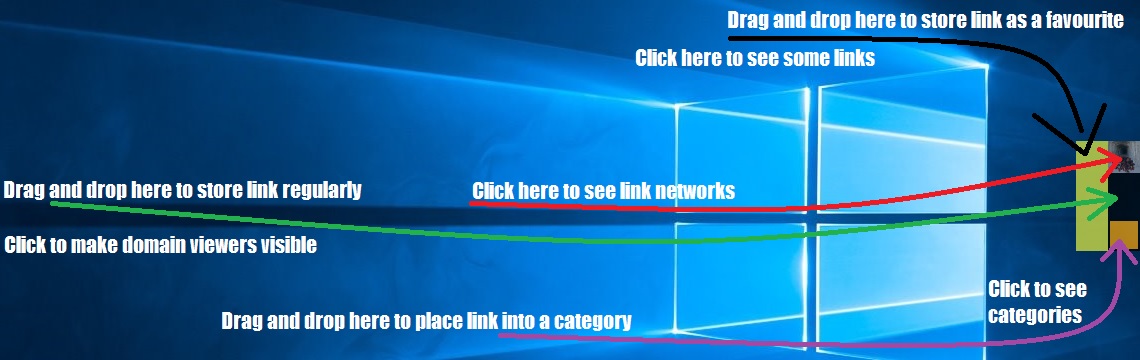
RBGeon clients main window.
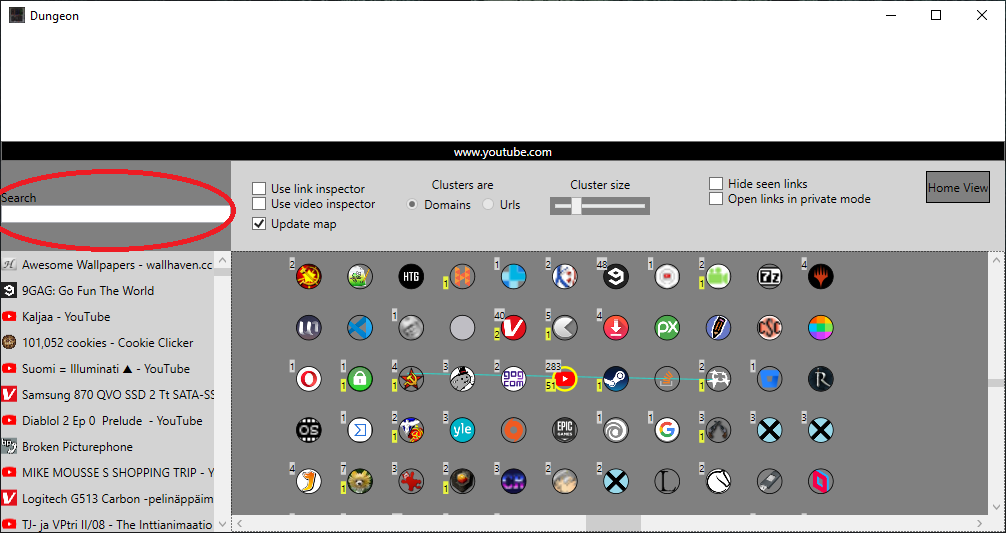
Here you can text search for bookmarks. |
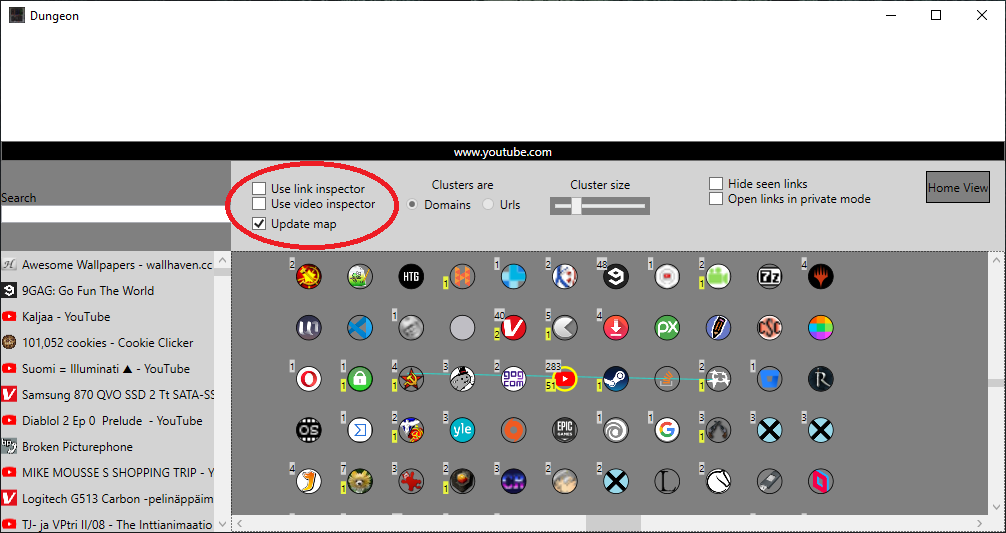
If "Use link inspector" is checked, a half screen sized inbuilt browser is opened when opening a bookmark
If "Use video inspector" is checked a small window automatically plays youtube videos when the cursor is over a youtube video bookmark circle.
If "Update map" is checked the bookmark map of circles update every time when you click a circle.
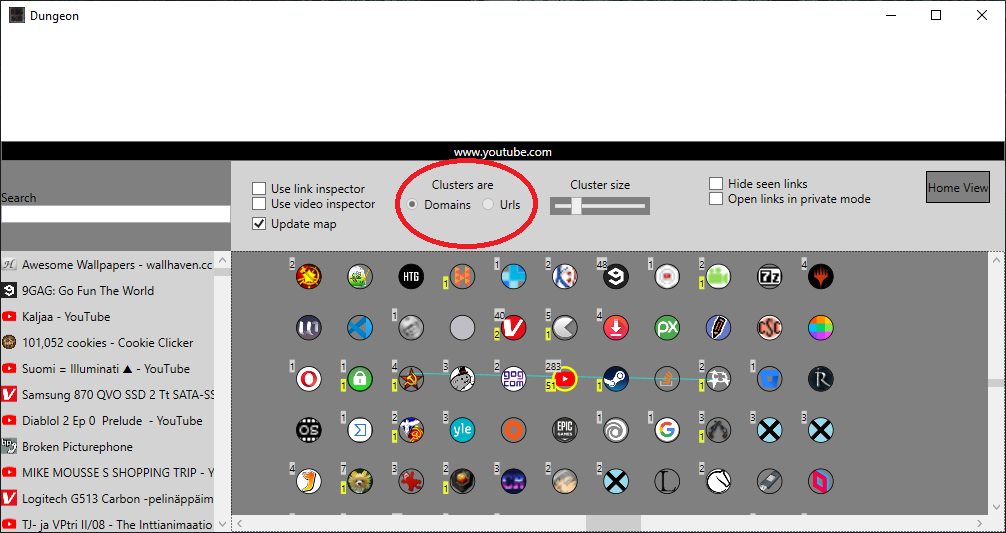
The circles in the bookmark map can be either domains or urls. When those are urls, bookmarks can be opened by double clicking a bookmark circle.
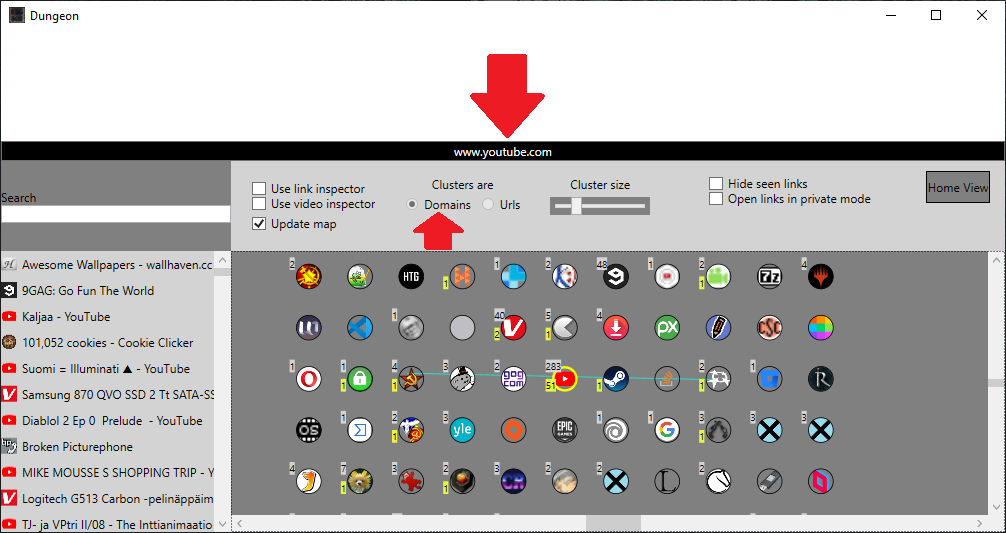
Bookmarks can be opened also by clicking the black title button. If clusters are domains an unseen bookmark of that domain is opened if there is any.
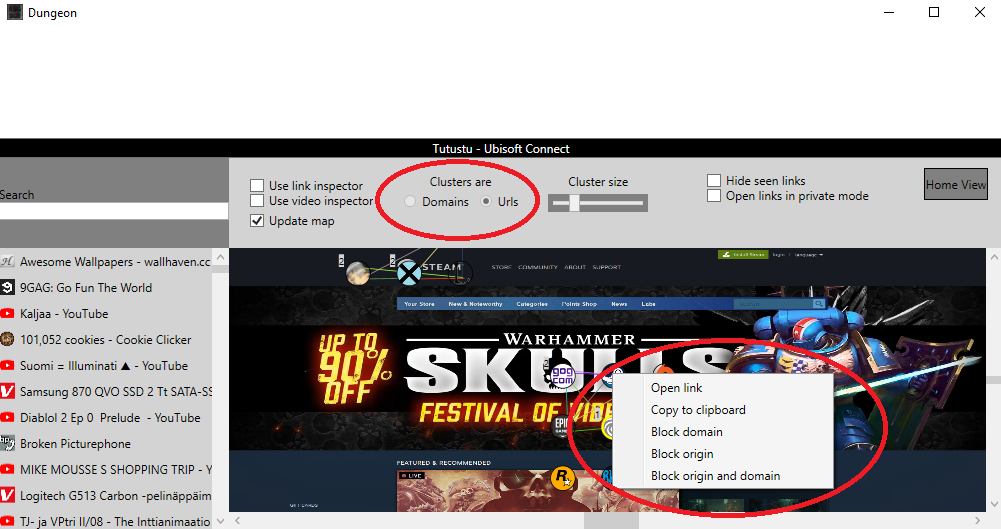
If clusters are urls you can right click a bookmark circle to see following options. If clusters are domains you can only block the domain if you right click on it
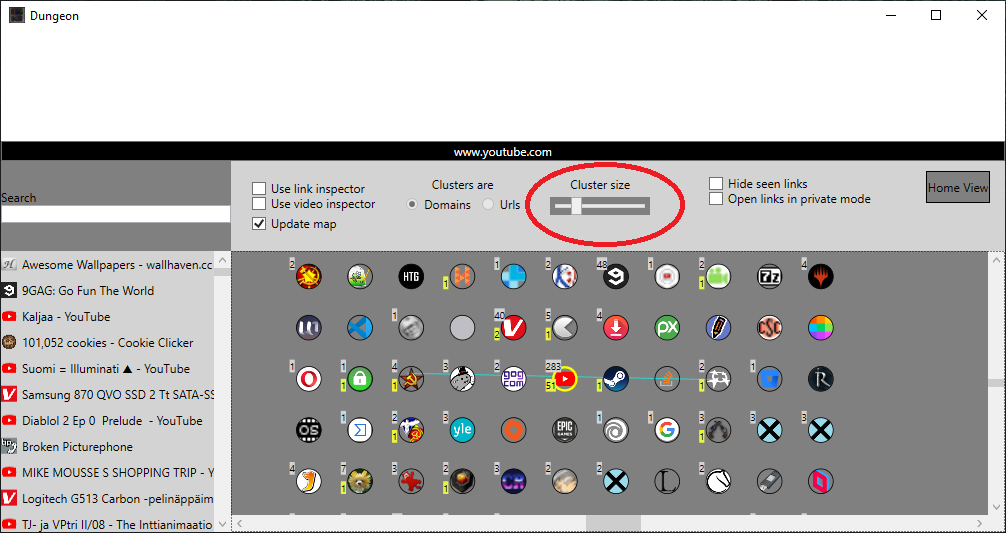
Cluster size set that how many circles there will be in a cluster when you click a circle next time.
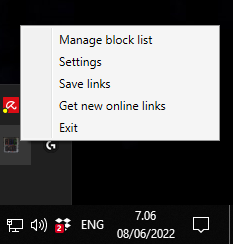
RBGeon client has a tray icon on the bottom right corner of Windows where you can access different settings and close the client.